
Sound familiar?#
- 01You read late, and the page lights up the roomRevising at midnight or reading papers in bed, the white page is the brightest thing around. An hour in, your eyes feel it.See the fix
- 02You open a PDF and get a white flashYour phone, browser and notes are all in dark theme. Then a PDF opens and a bright white page fills the screen.See the fix
- 03Your phone dies before your reading doesLectures, the commute, then the readings in bed. A white page at full brightness eats the battery you still need.See the fix
Read late without the glare#
Eye doctors advise keeping your screen about as bright as the room around it. When the screen glows brighter, your eyes work harder[1]. That's every late study session with a white page in a dark room.
In Notesify, when you switch to the dark theme, PDF pages turn dark with light text, like the rest of the app, so nothing on screen glares at you.
Chapter 8 · Photosynthesis
8.2 The Light Reactions
In the first stage, the light reactions capture energy from sunlight and store it in ATP and NADPH.
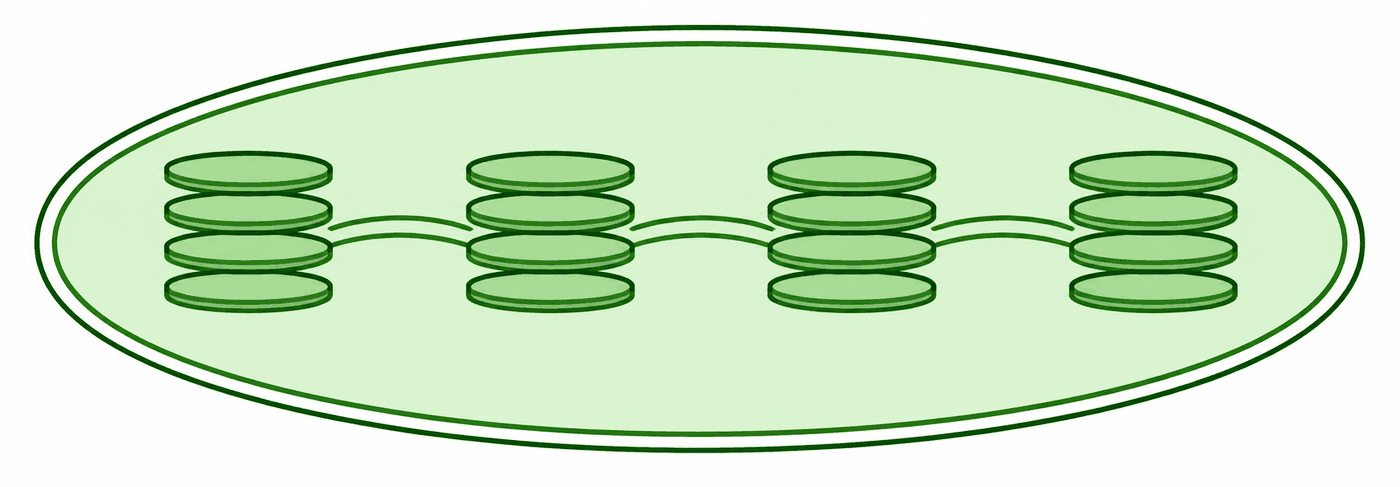
↑ on the thylakoids!
Chapter 8 · Photosynthesis
8.2 The Light Reactions
In the first stage, the light reactions capture energy from sunlight and store it in ATP and NADPH.
↑ on the thylakoids!
The usual
A dark app with a bright white page in the middle.
In Notesify
The page goes dark too, so your eyes stay settled.
No more white flash#
Your eyes settle into a dark screen. Then you open a PDF, or switch back to it from the chat, and a white page lights up the screen. It happens every time, all evening.
In Notesify, PDF pages turn dark with everything else: the toolbar, the page thumbnails and the AI chat beside the page. Opening a file is no brighter than the rest of the screen.
The usual
Every PDF opens as a bright white page in an otherwise dark app.
In Notesify
PDF pages go dark with the rest of the app, so nothing flashes.
Make your battery last the day#
Many phones have OLED screens, where dark pixels use less power. Purdue researchers found dark screens cut display power by 39–47% at full brightness, and by 3–9% at a typical 30–50%[2]. The brighter you read, the more you save.
The usual
Long reading days on a white page drain the phone by evening.
In Notesify
Dark pages use less power, most of all at high brightness.
Your highlights come along#
Darkening the page doesn't cost you your work. Highlights show as a soft tint behind light text, pen notes keep their colour, and charts keep theirs, so a red line still matches its key.
In bright daylight, most people read dark text on a light page more easily[3], so switch back to light pages whenever you like. It's one click.
Turn it on#
In the Notesify app, open Settings and set App theme to Dark, then set PDF theme to Inverted for dark pages. See the step-by-step tip.
At a glance#
| Feature | Typical reader | Notesify |
|---|---|---|
| Read at night without a white page | Sometimes | Yes |
| PDFs match the rest of your dark screen | Sometimes | Yes |
| Use less battery on OLED phones | Sometimes | Yes |
| Highlights and notes readable on dark pages | No | Yes |
Sometimes Varies by app or platform
FAQ#
In a dim room, yes. Eye doctors advise keeping your screen about as bright as the room. In bright light, dark text on a light page is usually easier to read, so switch back by day.
Yes. Toolbars, the AI chat, page thumbnails and the PDF pages themselves all turn dark, so nothing flashes white.
On phones with OLED screens, yes. Purdue researchers measured 39–47% less display power at full brightness, and 3–9% at a typical 30–50%.
No. Highlights show as a soft tint behind light text, and pen notes keep their colour.
No. It only changes how pages look on your screen. The file itself stays as it was.
Sources#
- [1]Computers, Digital Devices, and Eye Strain. American Academy of Ophthalmology, 2024.
- [2]Dark mode may not save your phone's battery life as much as you think. Purdue University, 2021.
- [3]Dark Mode vs. Light Mode: Which Is Better?. Nielsen Norman Group, 2020.